One-time setup
Get the Training Guide on your home screen
iPhone
Tap the Share icon (square with an arrow pointing up), then Add to Home Screen.
Android
Tap the menu (three dots, top right), then Add to Home screen — or tap Install if a banner appears.
Adds the guide as an app icon — no App Store, no download, always up to date.
On a computer? Scan with your phone
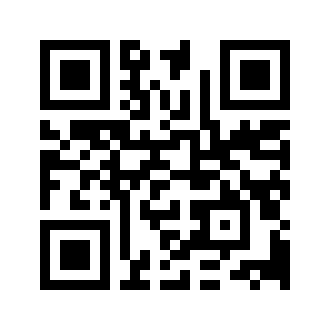 app.ntrlfit.com
app.ntrlfit.com